AnnouncementJuly 14, 20264 min readBy Curbswap Team
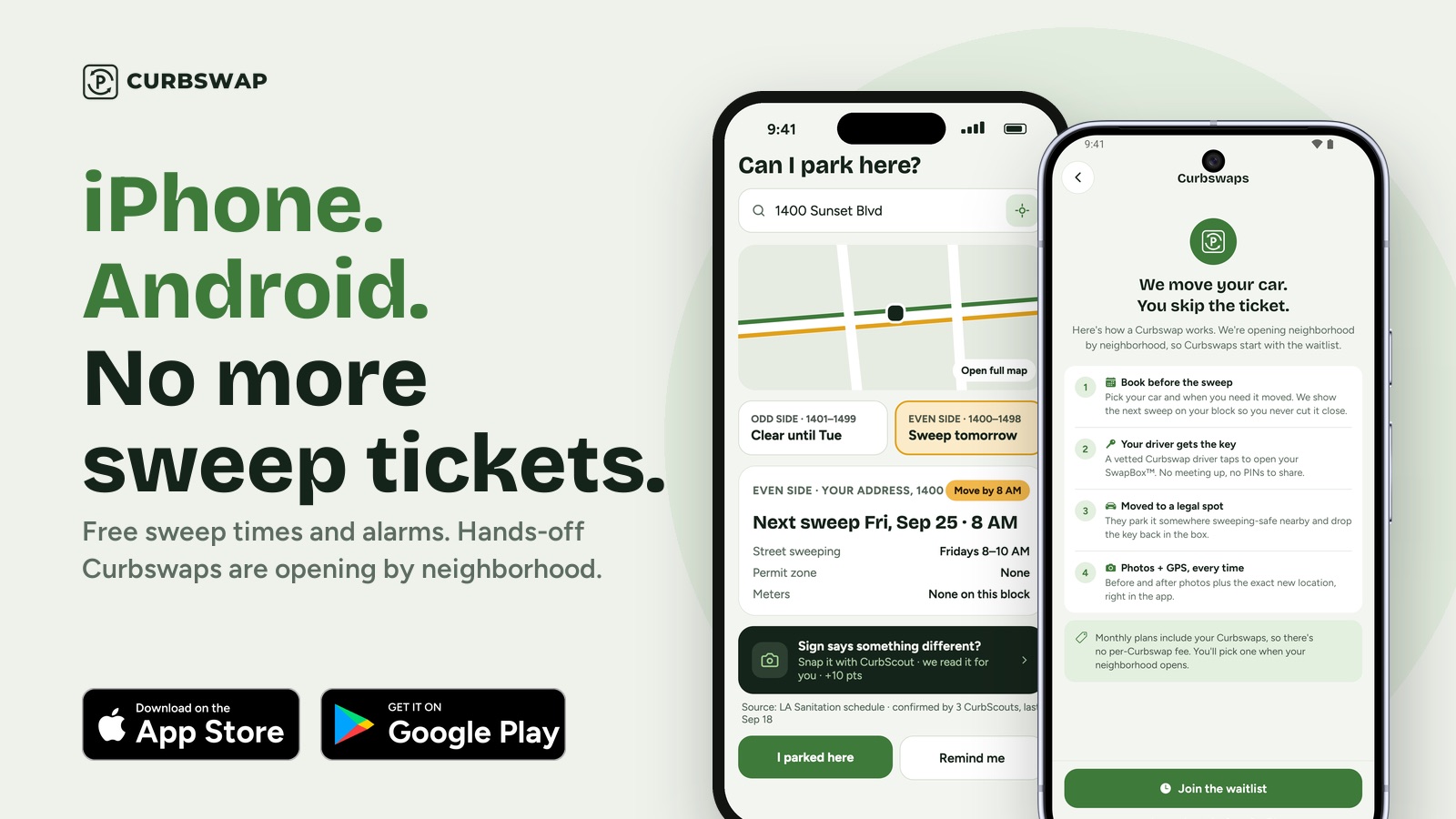
Most street-sweeping tickets in LA aren't a mystery — you knew the day, you just forgot on the wrong morning. So we made the part that actually saves you money completely free: look up your block's sweeping rules and set a reminder before your window opens, with no subscription and no payment. Here's everything the free version does.
Curbswap is free to use
You no longer need a plan to get value out of Curbswap. Create a free account and you can:
Look up street-sweeping rules for any address or ZIP in Los Angeles.
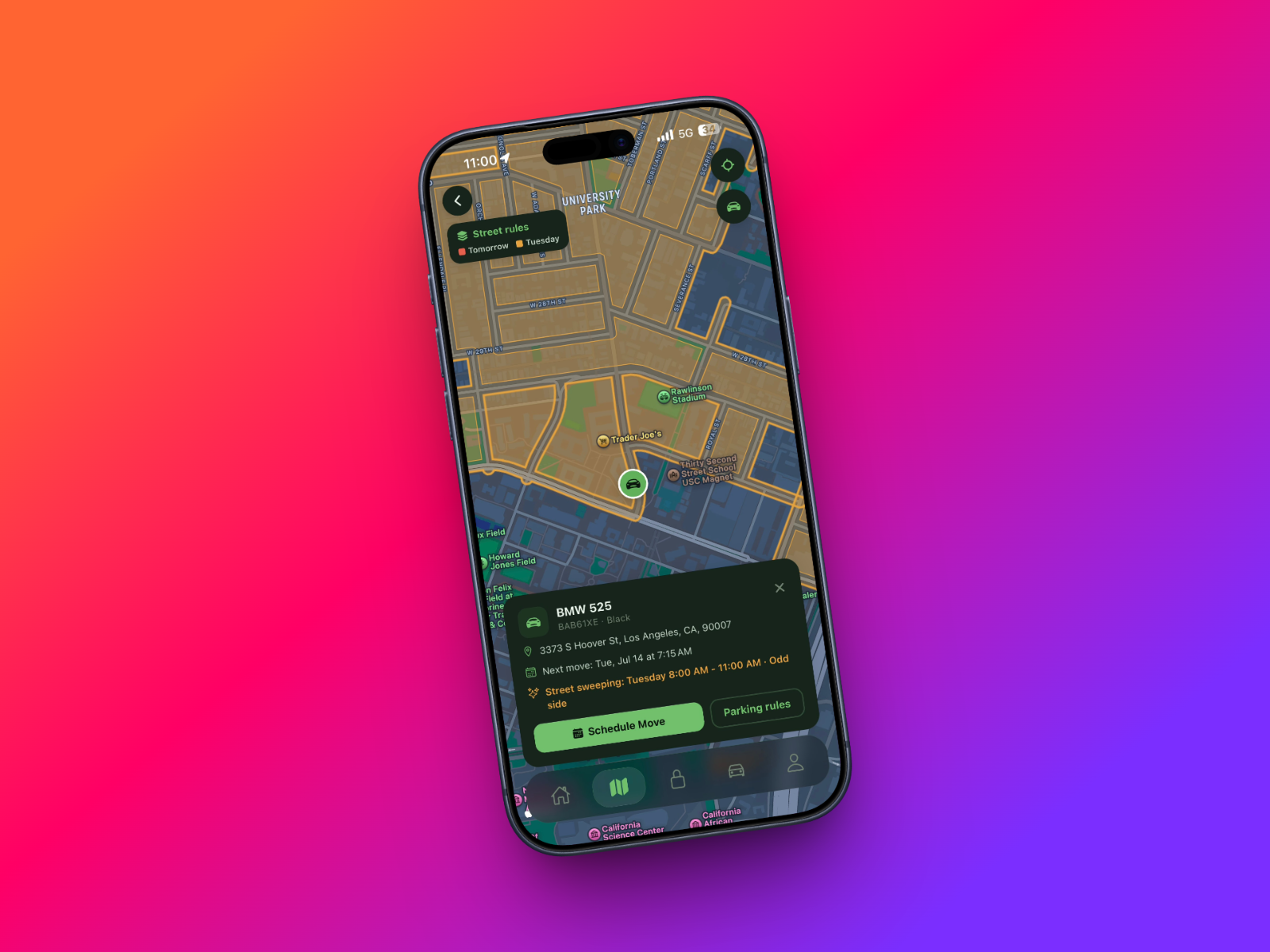
Add your car and see its parking restrictions at a glance.
Set a sweep alarm — a push notification before your next posted sweeping window.
There's no charge for any of that. A subscription (and our SwapBox device) only comes in later, if and when you want us to physically move your car for you — more on that at the end. But the lookup and the alarm? Free, today.
Tap "Use my current location" to check the block you're standing on.
You'll instantly see your block's sweeping day, the enforced time window, and when the next sweep is scheduled — pulled from the same city-published routes the posted signs are based on. It's the same lookup covered in our guide to finding when street sweeping is on your street, now paired with reminders.
Not sure of the exact address? Find it on the map
If you don't have a street number handy — you parked around the corner, or you're checking a spot before you drive over — tap Find your spot on the map. You can pan around, drop a pin anywhere, and see that exact spot's sweeping rules. No typing required.
Set the alarm — and pick your lead time
Once there's an upcoming sweep for your spot, tap Remind me before this sweep and choose how much of a head start you want:
The evening before (around 7 PM the night before) — best if you'd rather move the car at night than scramble in the morning.
1 hour before your window opens.
2 hours before your window opens.
We'll send a push notification at that time so the sweeping window never sneaks up on you. Because it's tied to your address lookup, there's no separate schedule to punch in and no recurring calendar event to maintain — if the posted route changes, the reminder follows it.
Why not just set a phone alarm?
You can, and it's better than nothing — but a plain phone alarm has three problems Curbswap's doesn't:
It doesn't know your actual schedule. Most LA blocks sweep biweekly (1st/3rd or 2nd/4th week of the month), and each side of the street can differ. A weekly 7:30 AM alarm is wrong half the time; ours fires only before a real posted sweep.
It doesn't move when you move. Park somewhere new and your old alarm is useless. Curbswap's reminder is tied to wherever you actually looked up — re-check any address in seconds.
It's easy to silence and forget. A reminder that names the block and the window ("Street sweeping on your block, 8–10 AM") is a lot harder to dismiss on autopilot than a generic buzz.
Always glance at the sign
The posted sign on your block is still the legal source of truth, and we say so right in the app. City data — ours included — can lag behind temporary postings for film shoots, construction, and utility work, which can go up with as little as 24–72 hours' notice. Our Parking Rules screen carries that reminder on every lookup: check the sign nearest your car before you rely on any tool.
When you're ready to stop moving the car yourself
A reminder still asks something of you: go outside, often before 8 AM, and move the car. If your mornings are unpredictable — or you'd just rather never think about it — that's the part Curbswap can take over entirely.
Order a Curbswap SwapBox (a one-time device) and subscribe to a moves plan, and a vetted driver relocates your car to a legal spot before your sweeping window opens, then sends photo + GPS proof. No alarm, no walk outside, nothing to remember. But that's optional — the free lookup and alarm stand on their own.
Yes. Looking up street-sweeping rules and setting a reminder before your block sweeps are free with a Curbswap account — no subscription required. A plan and a SwapBox device are only needed if you want a driver to physically move your car for you.
How do I set a street sweeping reminder?
In the Curbswap app, open the Parking Rules screen for your address (or your current location), then tap \"Remind me before this sweep\" and pick your lead time — the evening before, or 1–2 hours ahead. We'll send a push notification before your posted window.
Can I check street sweeping rules without downloading the app?
Yes — the same lookup is on the web at curbswap.app/parking-rules. To set a push reminder, use the app, since that's what delivers the notification.
Does the reminder work if I park somewhere new?
Yes. The reminder is tied to the location you look up, not a fixed home block — re-check any address or drop a pin on the map, and set a fresh alarm for that spot.
What if there's a temporary \"No Parking\" sign?
Always follow the posted sign — it's the legal source of truth. Temporary postings for film shoots, construction, or utility work may not be in any database (including ours) right away, so glance at the sign nearest your car before you rely on the app.
street sweeping reminder appstreet sweeping alarmstreet sweeping los angelesparking rules los angeles
Never get a parking ticket again.
Curbswap moves your car before street sweeping hits — hands-off, with photo + GPS proof. The app is live: check your street’s rules for free.