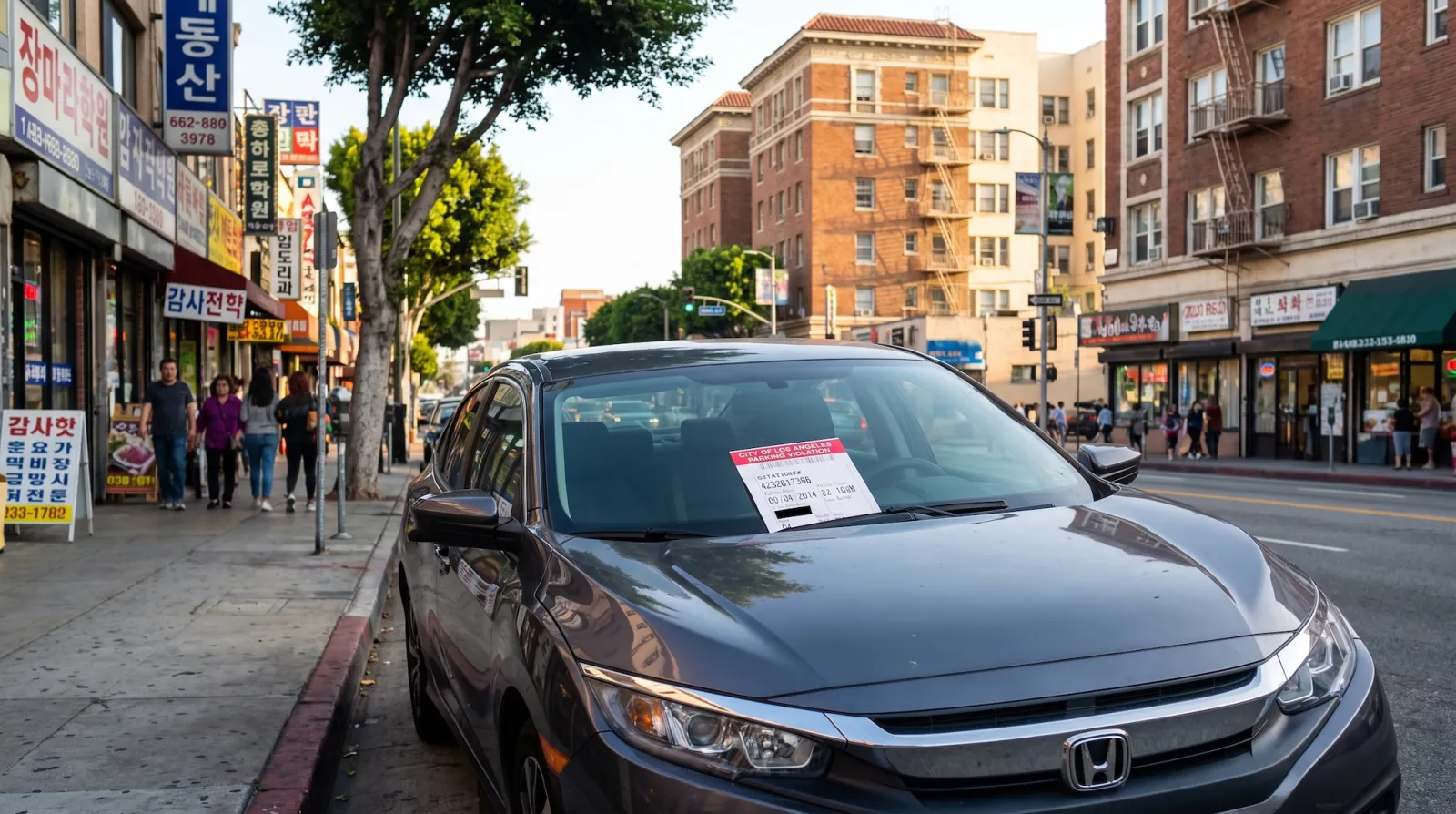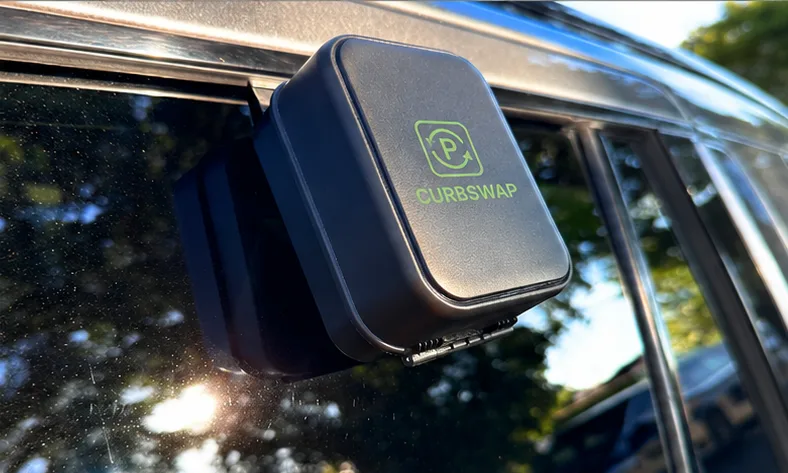

Street sweeping tickets happen when you forget. The new Curbswap widgets and live notifications put your next sweep where you already look: your iPhone's home screen and lock screen.
Your next sweep, at a glance
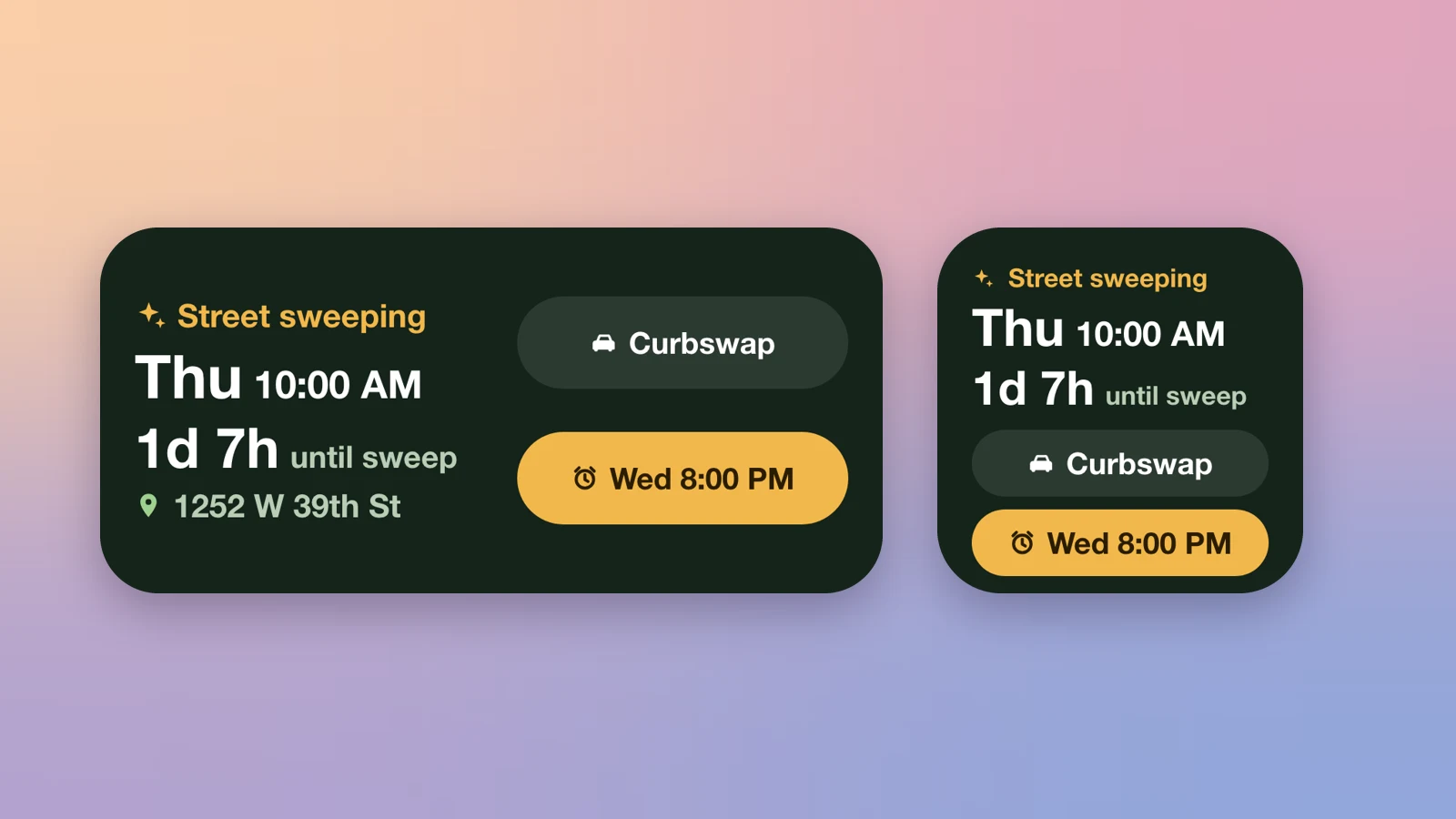
Add a Curbswap widget in small or medium size and see the day and time of your car's next street sweep, with a live countdown. No need to open the app.
- Countdown to the sweep so you know how long you have.
- Where you parked, shown right on the widget.
- Set alarm in one tap — it opens straight to the alarm screen at the last place you set, and you don't need to log in to set one.
Follow your Curbswap live
When a driver is moving your car, Curbswap now shows live progress on your lock screen and in the Dynamic Island: the driver on the way, your car being moved, and a parked confirmation when it's done.
Get started
Update Curbswap from the App Store, then touch and hold your home screen, tap +, and search for Curbswap. Widgets and live notifications are available on iPhone for now.