AnnouncementOctober 24, 20262 min readBy Curbswap Team
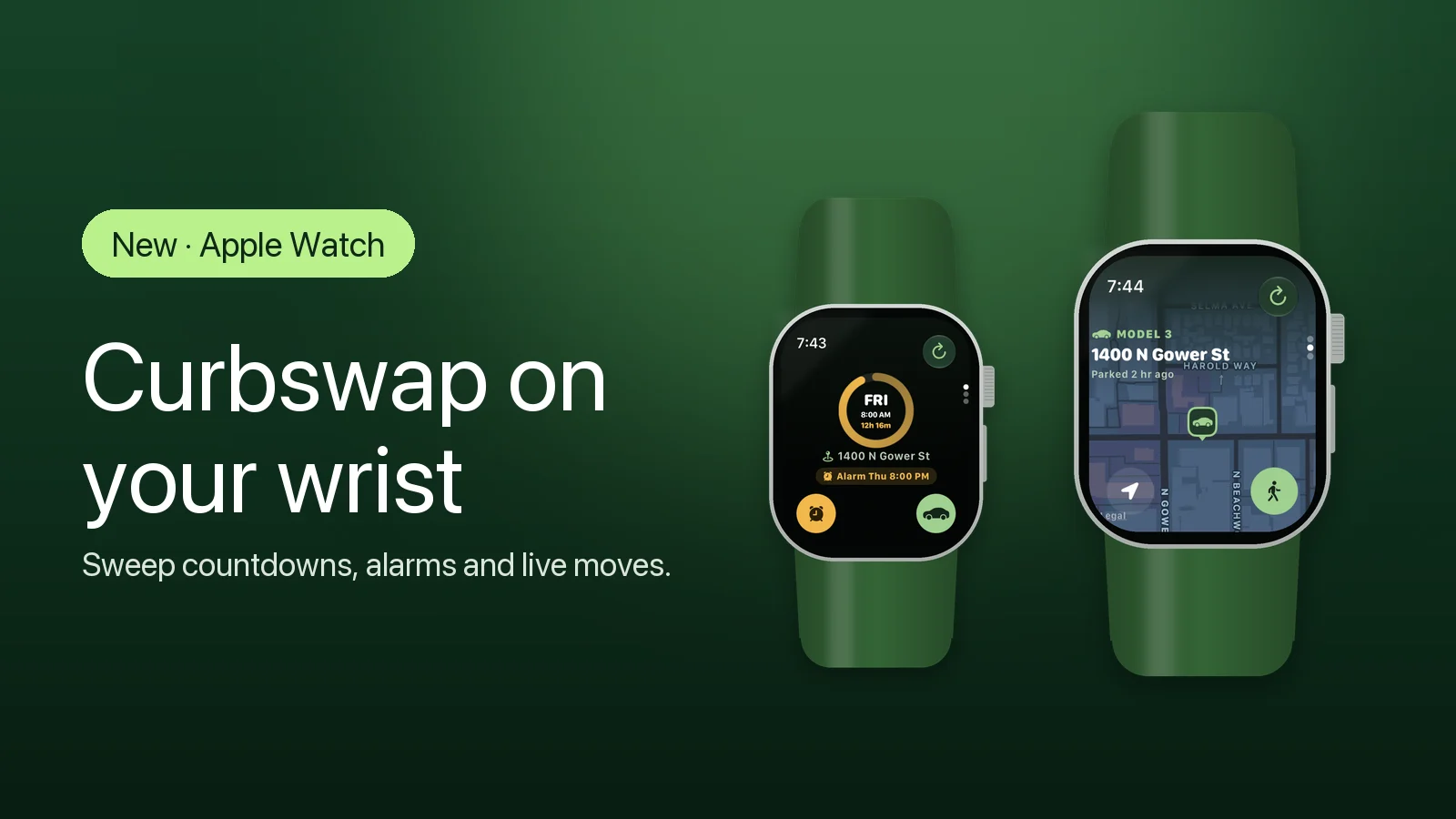
Los Angeles, CA — The Curbswap Apple Watch app is live. The next time you wonder whether your car is safe from the sweeper, you can answer it with a glance at your wrist.
What the Watch app does
Countdown to your next sweep. See how long you have before the sweeper reaches your side of the street.
Set an alarm. Pick a reminder without taking your phone out.
"My car is here." One tap saves where you parked, so the app knows which block to watch.
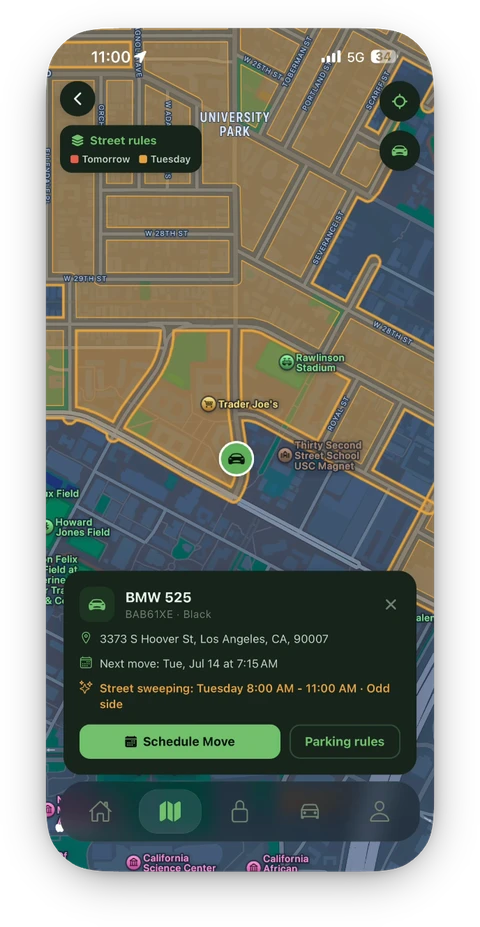
Parking rules where you are. Look up the rules at your current location, or say or type an address.
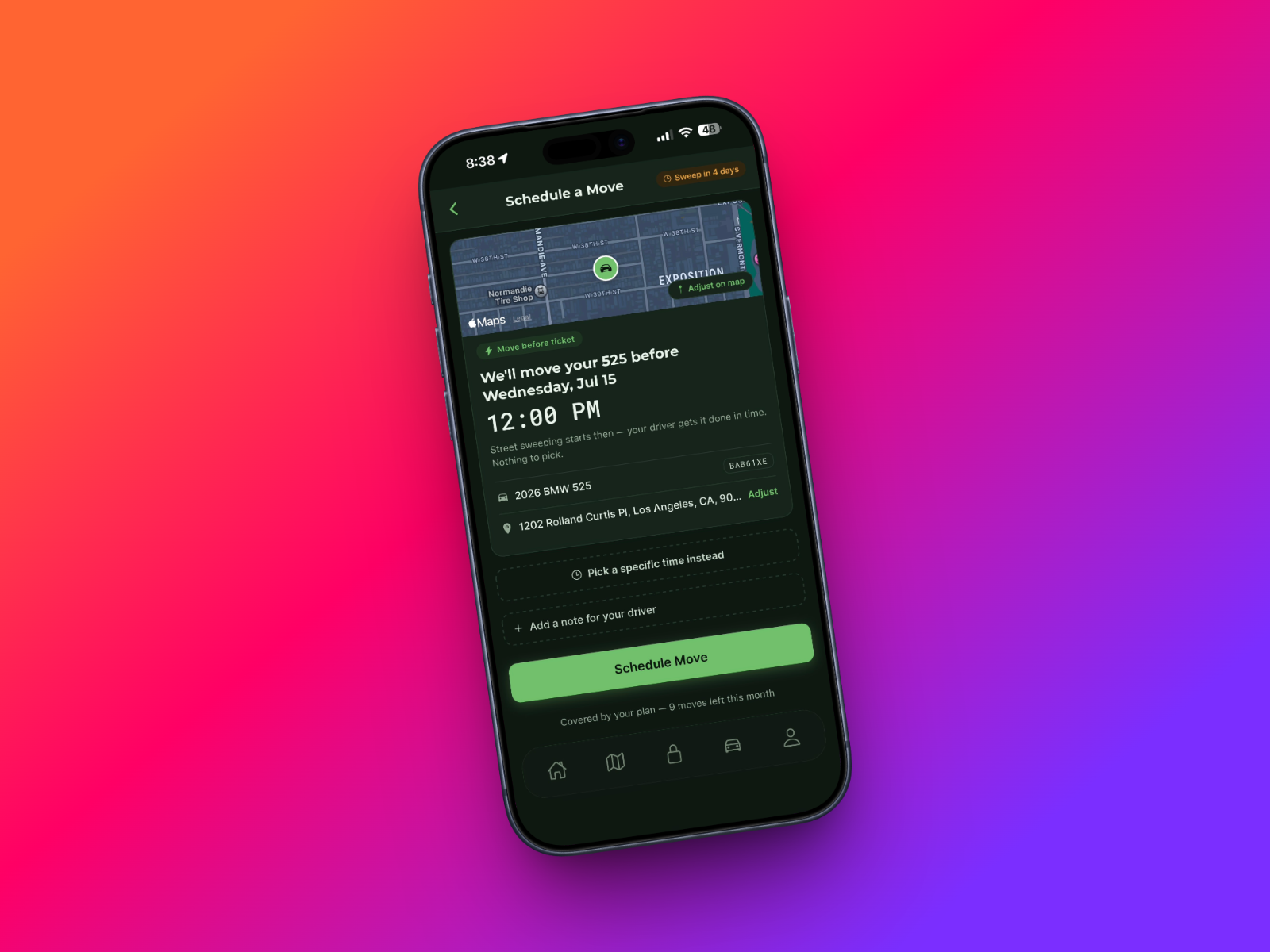
Book a Curbswap. Request a move straight from the Watch.
Live tracking. While a driver moves your car, follow their progress on your wrist.
You also get Curbswap complications for your Watch face, so the countdown is there every time you check the time.
Built for the moment you park
Most sweeping tickets come from a simple lapse: you parked, walked away, and forgot. The Watch app is built for that moment. Tap "My car is here" as you walk off, and Curbswap watches that block's sweep schedule for you. You do not need to remember a thing.
How to get it
The Apple Watch app comes with the Curbswap iPhone app. Download Curbswap from the App Store, and it appears on your paired Apple Watch. It works with iPhone only; there is no Wear OS app.
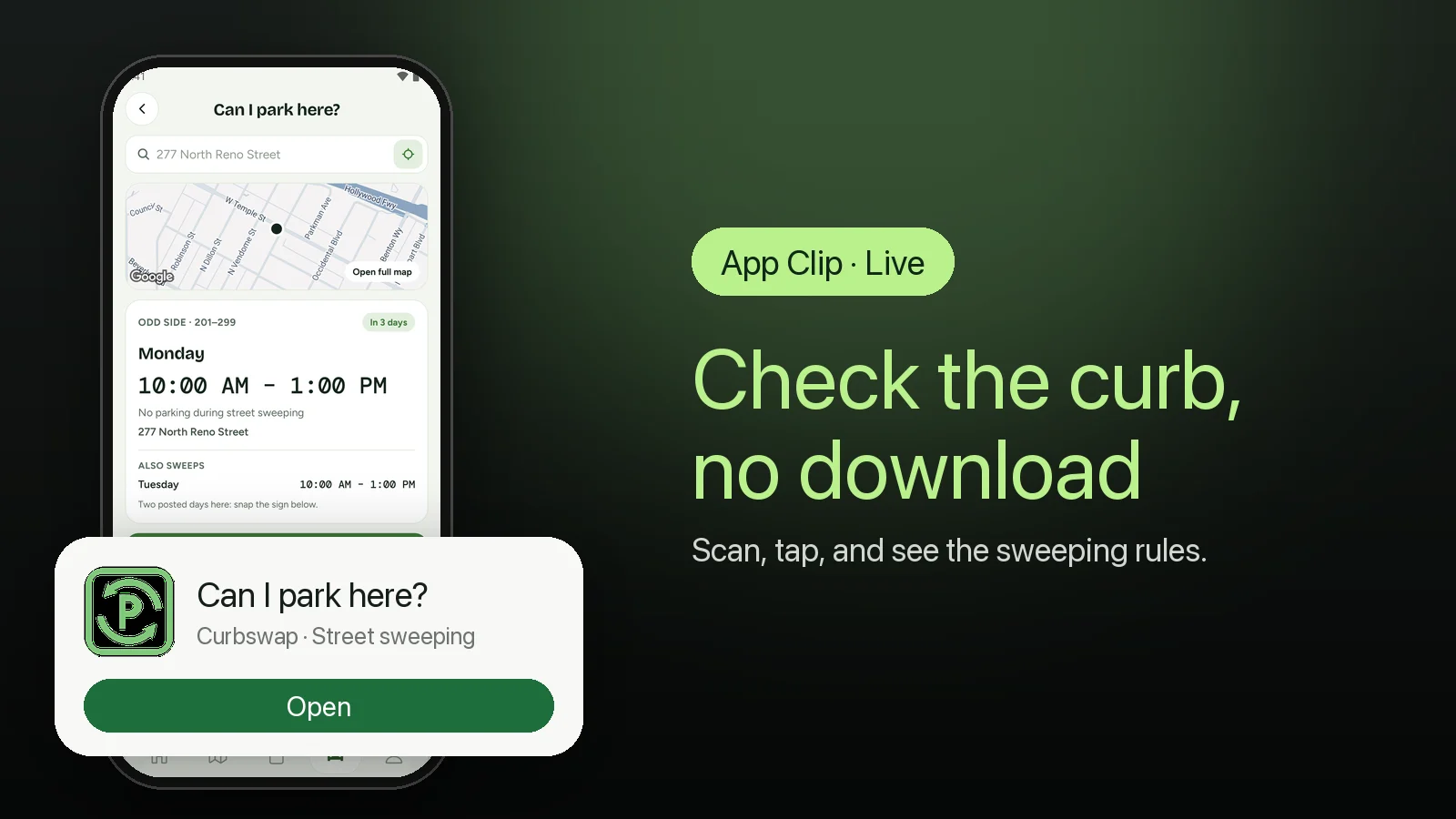
Curbswap is also on Google Play for Android phones. The free app opens straight to Home with no sign-up wall, so you can look up the rules for your block before you decide on anything else.
Part of a bigger set
The Watch joins the iPhone app, the Android app, and the lock-screen widgets and Live Activities on iPhone. Read more about the widgets and live notifications, or see how a Curbswap works.
Get Curbswap
Update or install Curbswap from the App Store, open the Watch app on your iPhone if it does not appear on its own, and tap "My car is here" the next time you park.
About Curbswap
Curbswap helps drivers in Los Angeles avoid street-sweeping tickets. The free app shows sweeping rules and sets alarms, hands-off Curbswaps send a vetted driver to move your car, and the SwapBox smart key box lets the driver unlock your car from their phone.
Common questions
Do I need to buy anything to get the Curbswap Apple Watch app?
No. It comes with the Curbswap iPhone app. Install Curbswap on your iPhone and it shows up on your paired Apple Watch.
Is there a Curbswap app for Wear OS or other Android watches?
No. The Watch app works with iPhone only, and there is no Wear OS app.
Can I book a Curbswap from my watch?
Yes. You can book a Curbswap from the Watch app, and follow your driver live while they move your car.
Curbswap NewsApple Watchstreet sweeping appapp features
Never get a parking ticket again.
Curbswap moves your car before street sweeping hits — hands-off, with photo + GPS proof. The app is live: check your street’s rules for free.