Curbswap Widgets Are Here: Your Next Sweep on the Home and Lock Screen
AnnouncementSeptember 30, 20261 min readBy Curbswap Team
Los Angeles, CA — Curbswap now lives on your iPhone's home screen and lock screen. The new widgets show your car's next street sweep with a live countdown, so you know where you stand without opening the app.
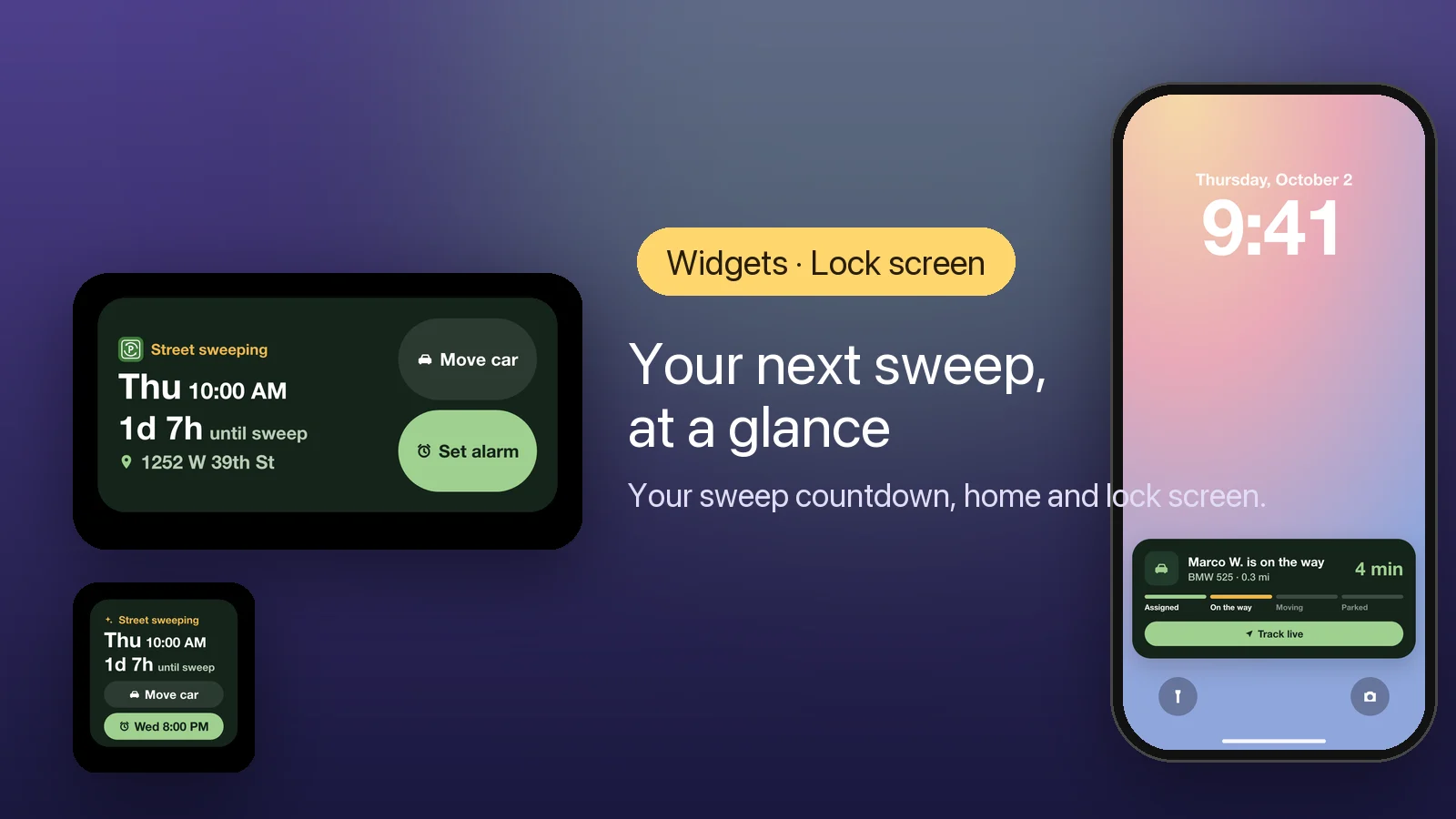
Your next sweep, at a glance
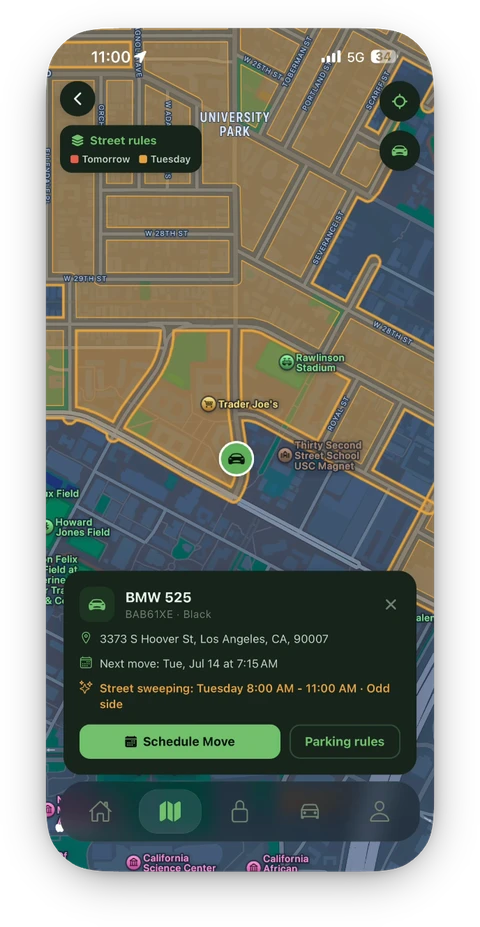
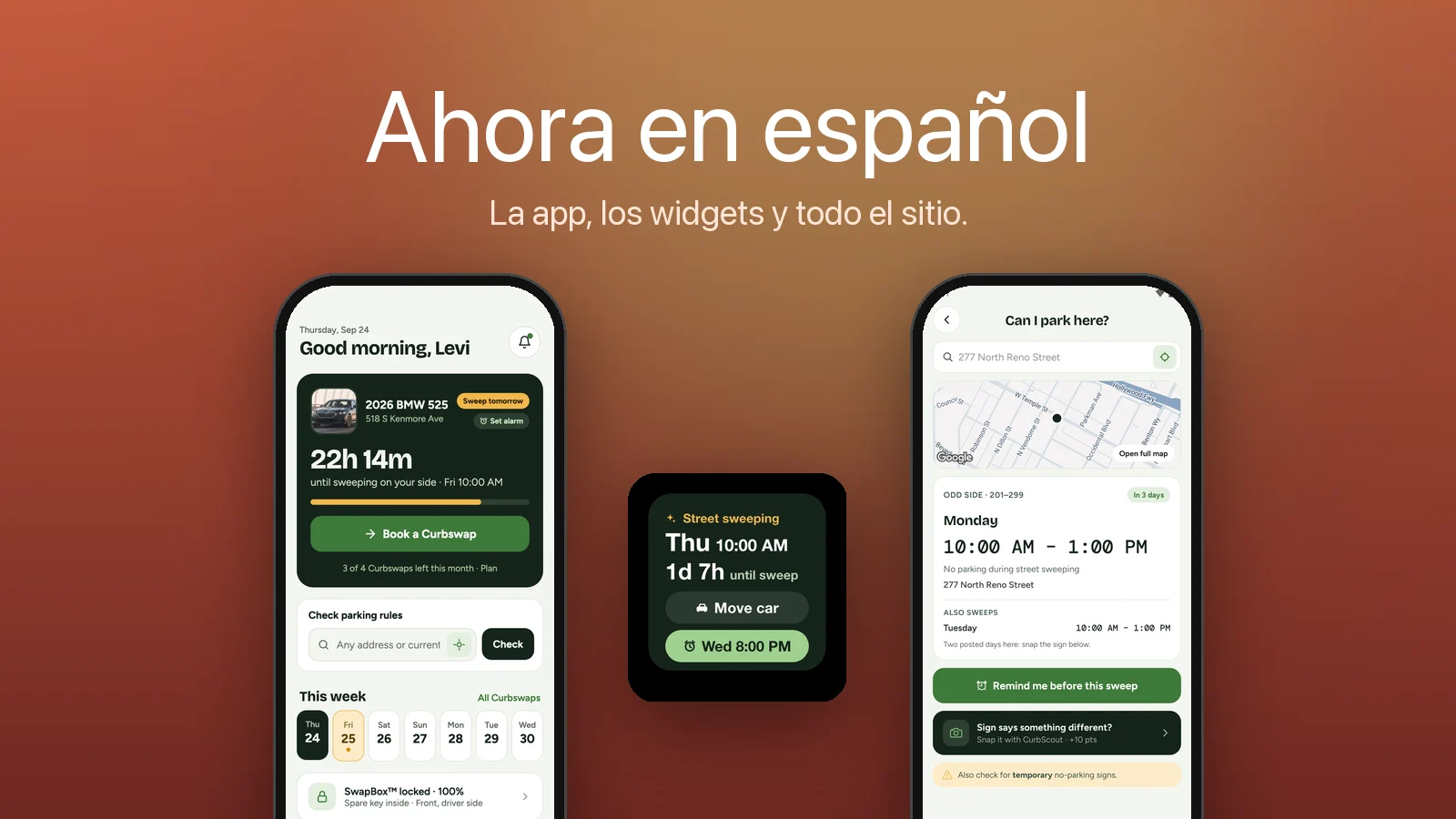
The widget reads where you last parked and shows the day and time of the next sweep on that block, counting down as it gets closer. Glance at your phone and you know whether today is a move day.
On the lock screen too
Add the widget to your lock screen and the countdown is there every time you pick up your phone. No unlocking, no app.
One tap to act
A day later, the next update made the widgets do more than remind you. From the home-screen widget you can:
Set a street-sweeping alarm with one tap, based on where you parked.
Schedule a move with one tap, using your paired SwapBox, so a Curbswap driver moves your car before the sweeper comes.
Update Curbswap from the App Store. To add a widget, touch and hold your home screen, tap +, and search for Curbswap. For the lock screen, touch and hold it, tap Customize, and add the Curbswap widget.
Common questions
What do the Curbswap widgets show?
Your car's next street sweep with a live countdown, based on where you last parked.
Can I act from the widget?
Yes. Set a street-sweeping alarm with one tap, or schedule a move with one tap if you have a paired SwapBox.
Do widgets work on Android?
The home-screen and lock-screen widgets are for iPhone. On Android, sweep alarms and rules are in the app.
Curbswap Newswidgetsapp updatestreet sweeping
Never get a parking ticket again.
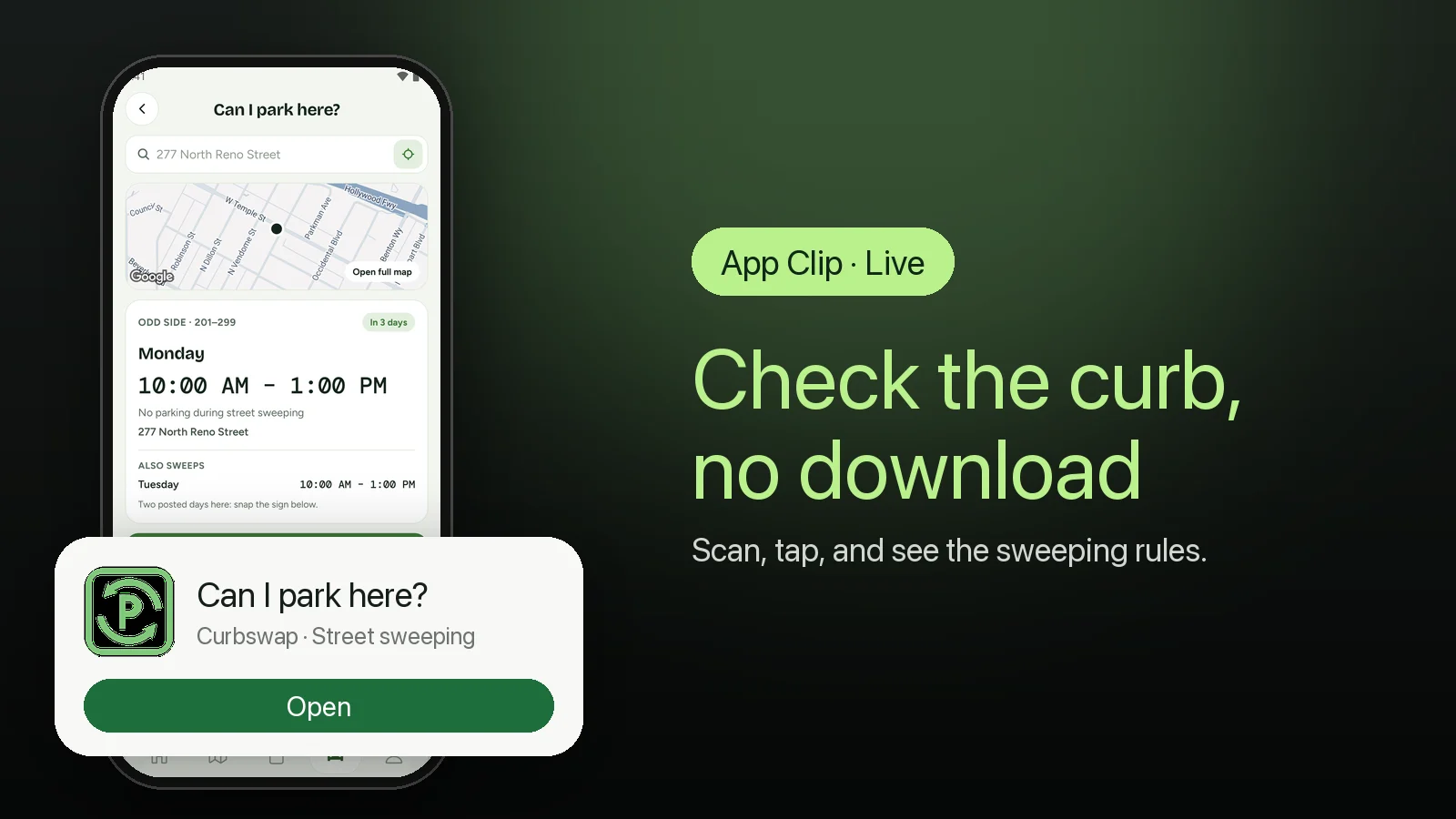
Curbswap moves your car before street sweeping hits — hands-off, with photo + GPS proof. The app is live: check your street’s rules for free.